Reading Dimu Doll catalogue photos and shipment photos
Check model codes, styling and the photographed configuration before using a gallery to make a decision.

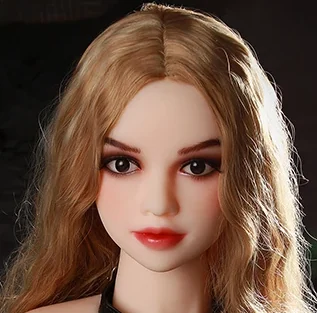
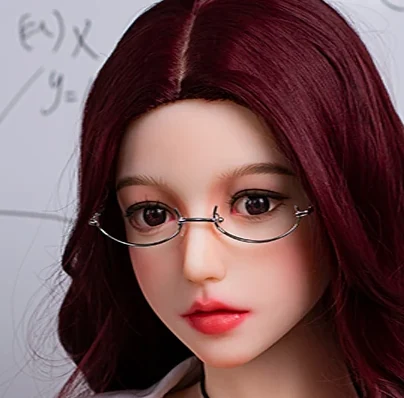
Dimu Doll catalogue photo of Ginzetsu · illustration for this article.
Match the photo to the model
Open the photo from the individual listing or a shipment gallery entry that links to the product. Check the brand, name and any head and body identifiers. Avoid combining a photo from one listing with the material, weight or quoted price of a visually similar entry.
Keep the lighting in view
Kanadoll notes that studio conditions, makeup and lighting can change the impression of a photo. Compare the same area in two available views and look at hair, finish and the angle separately. Ask which parts of the presentation are standard and which were selected for the photo.
Distinguish order options from accessories
A shipment photo can show the choices made for a particular order. Hair, eye colour, makeup and clothing may differ on another configuration. Save the image you are referring to and ask the seller to name the options required to reproduce the relevant details.
Use approved photos as a final check
If the retailer offers pre-dispatch photos, ask what can still be corrected at that stage. Review the images against the written order and flag a discrepancy promptly. A crop in our directory preserves a useful detail from the source image, and the product page retains the source link.